WideTEK® 36 – Wide Format CCD Scanner for documents up to 36 inch widths
Complete redesign of electronics and improved hardware adds new functionality and enhances
the already acclaimed camera technology
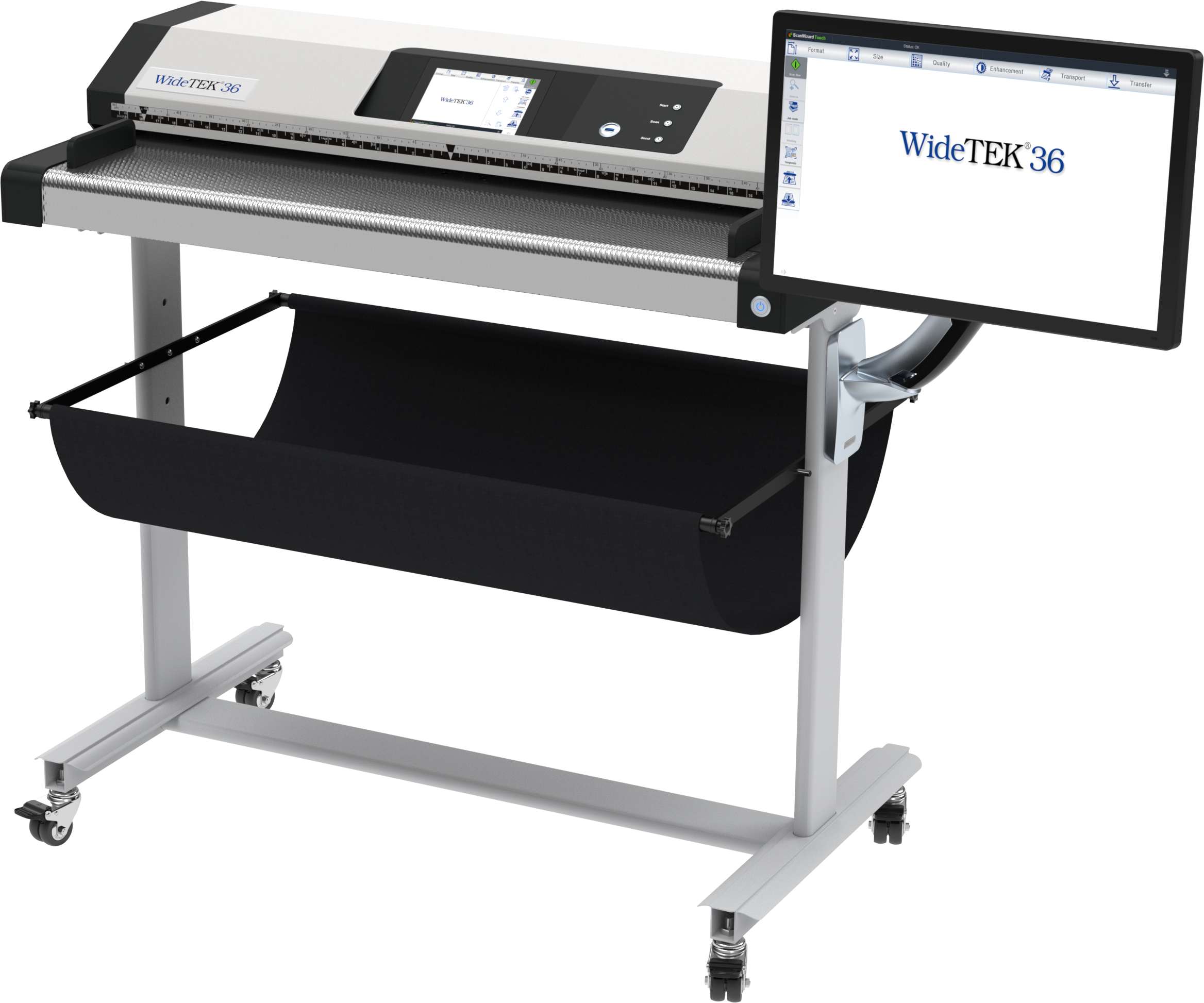
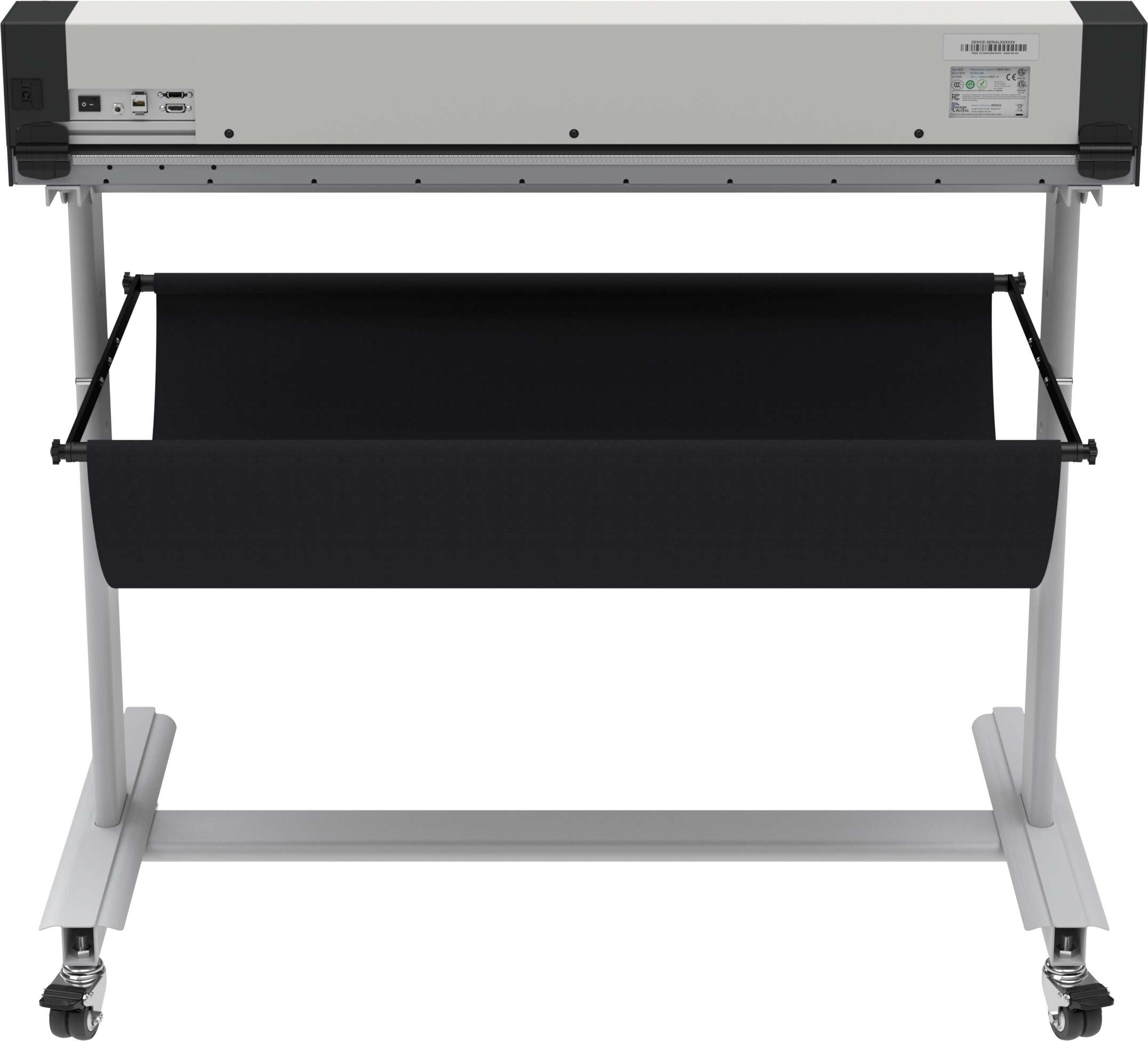
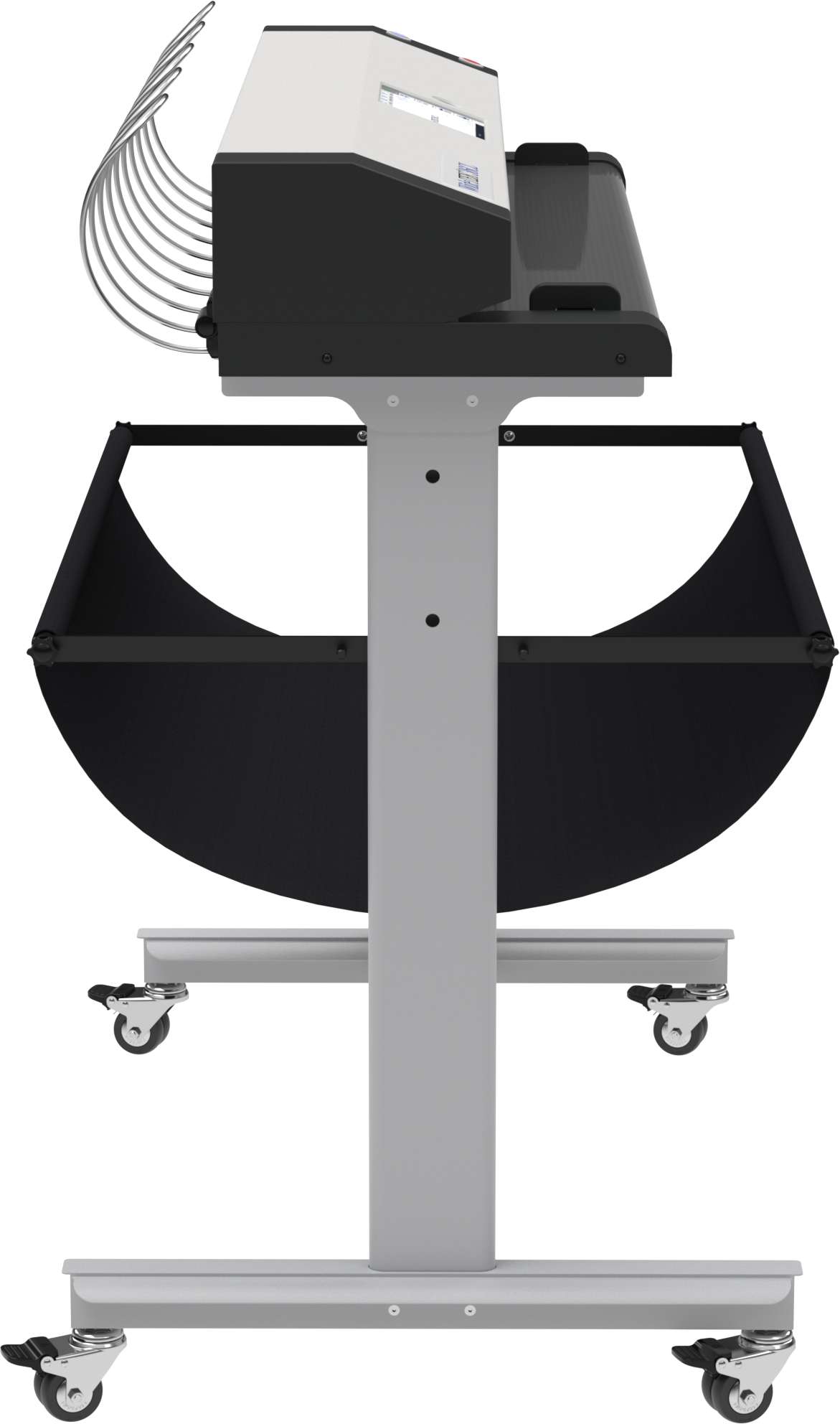
The WideTEK® 36 wide format CCD scanner scans documents up to 36 inches wide (915 mm). The new mainboard is an Intel® Core? Gen 9 processor which ensures faster data processing. Together with a faster 250GB SSD drive, internal processes and the system start time are significantly accelerated.
WideTEK® 36 - Wide Format CCD Scanner for documents up to 36 inch widths
Complete redesign of electronics and improved hardware adds new functionality and enhances
the already acclaimed camera technology
The WideTEK® 36 wide format CCD scanner scans documents up to 36 inches wide (915 mm). The new mainboard is an Intel® Core? Gen 9 processor which ensures faster data processing. Together with a faster 250GB SSD drive, internal processes and the system start time are significantly accelerated.
The new 7 inch multi-touch display with higher resolution increases the ease of use and improves workflow. And, the configurable dark mode enables the user to work ergonomically and in a way that is easy on the eyes.
Of course, all WideTEK® CCD scanners are delivered with the latest version of the Scan2Net® software.
Upgraded WideTEK 36 Features:
Intel® Core™ Gen 9 processor
Lightning fast image processing
Fast 250GB SSD
Powerful, silent micro stepping motors & controls
High resolution 7" multi-touch display
Improved ON/OFF switch
New firmware includes dark mode
Easy to use walk up scanning or mobile scanning with Scan2Pad®
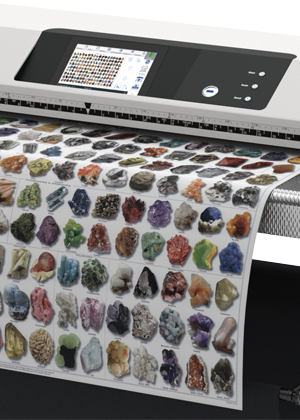
The integrated walk up scanning software makes the scanner a truly shared device. One click of the mouse is enough to either print the scan, send it to any directory in the network or via email, to upload it to the FTP server, or to save it to the USB memory device. Simply walk up, scan and store or send the image, all through the use of the touchscreen.
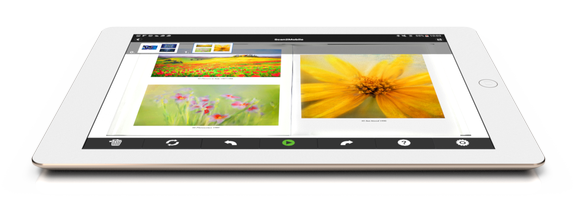
Scan2Pad® lets you control the WideTEK® 36 wide format scanner using an iPad or an Android tablet or even a smartphone running Android version 4.0.3 or higher. Quickly adjust the color depth, go from black & white to grayscale or full color and adjust brightness and contrast on your pad. Create PDF documents from your scans in a single step. Scan2PAD is the unique mobile scanning application that doesn´t require you to use an external cloud server. Simply scan your documents and take them away on your pad. It is fast, secure and best of all, free of charge.
Gentle Scanning of Historical and Fragile Documents
WideTEK® 36 gently scans due to special transport rollers that serve as pressure points ensuring safe document transport. For historical and fragile documents, this is critical.
Automatic document size recognition means that operators are flexible when feeding a source document into the scanner. It is not necessary to exactly center the document on the scan area. With crop and deskew, the resulting image output will be straight, centered and without black borders.
The unique background drum does not touch the glass plate at any time, avoiding scratches and document skews. To achieve extra contrast on sepias and film based documents, the standard black drum can be exchanged with a white drum, without needing any tools.
The user operates the wide format scanner either with a standard internet browser or alternatively, via the built-in touchscreen. A monitor directly connected to the wide format scanner can be used for image control or to modify the scan parameters, without a client PC. Using the touchscreen display, up to 30 different password protected jobs can be defined and stored. The jobs contain preconfigured settings such as scan parameters or directories on the network drives.
The exceptionally high scanning speed, dust-protected and encapsulated optical components and the absence of consumables characterize this highly efficient production-ready device. With a life expectancy of over one million scans, the WideTEK® 36 redefines the price/performance ratio in the wide format scanner market.
WideTEK® 36 Wide Format CCD Scanner - Functions and Features
Functions, features and options available on the WideTEK® 36 wide format CCD scanner.
WideTEK® 36 Wide Format CCD Scanner - Functions
Scans 36 inch widths
Fastest color scanning at 15 inches per second (22.9 m/min) @ 200 dpi
1200 x 1200 dpi scanner resolution
Automatic crop & deskew
Automatic format- and position recognition of source document anywhere on the scanning bed
Virtual rescan, modify images without rescanning
Configurable scan templates and target templates
Face up scanning (no more "blind"scanning)
Real time display of scanned images
Wide color gamut, supports Adobe RGB, sRGB and native RGB
Standalone device with its own Linux PC
Direct output to the integrated USB-Port
Scan2Net -- Output to SMB, FTP, Printer, eMail
Output formats: Multipage PDF (PDF/A) & TIFF, JPEG, JPEG 2000, PNM, PNG, BMP,
TIFF (Raw, G3, G4, LZW, JPEG) and many more
Scan2Network -- Output to network resources, SMB, FTP
Complies to FADGI *** guidelines, ISO 19264-1
WideTEK® 36 Wide Format CCD Scanner - Features
LED lamps, no warm up, IR/UV free
Large color 22 inch touchscreen for direct operation without external PC
ScanWizard -- integrated scan application for use with any browser: IE, Edge, Safari, Chrome, Firefox
Multilanguage support, customizable user interface
Closed loop calibration software
Durable, antistatic, all metal paper path
Virus resistant Linux OS
OS independent, runs with Windows 8, 10, Linux, Mac
Gigabit Ethernet Interface
Integrated walk up scanning software
Easy installation via Scan2Net® Technology
Remote maintenance and troubleshooting
Firmware updates via web interface
WideTEK® 36 Wide Format CCD Scanner - Options
Transparent document carriers for fragile document handling, available in two sizes: A0 and A1
Batch Scan Wizard -- Software option for high volume scanning
TWAIN Interface -- Software interface option
Scan2OCR -- Background text recognition already during the scan job
PrintWizard -- Option for direct communication with
Canon TDS (ColorWave, PlotWave) and iPF, HP PageWide and DesignJet, Epson SureColor
Scan2ICC -- Subscription for ICC color management and profiles
Scan2Pad® -- Operation via tablet, smartphone or other mobile device
Extended resolution -- Extend the resolution to 9600 dpi
Full Coverage Warranty -- Up to 5 years subscription for full coverage warranty package and free spare parts
Specifications
Document
Maximum Document Size
950 mm (37.4 inch) width. Information about the maximum scan length in the technical specification.
Maximum Scan Width
max. 915 mm (36 inch)
Document Thickness
max. 3.0 mm (0.1 inch)
Autoformat Size Recognition
yes
DIN Format
DIN A5 – DIN A0
ANSI Format
Legal, US E
User Defined Format
yes
Output
Scanner Resolution
1200 x 1200 dpi (optionally 9600 x 9600 dpi interpolated)
24 bit color, 8 bit grayscale, bitonal, enhanced halftone
File Formats
Multipage PDF (PDF/A) and TIFF, JPEG, JPEG 2000, PNM, PNG, BMP,
TIFF (Raw, G3, G4, LZW, JPEG), AutoCAD DWF, JBIG, DjVu,
DICOM, PCX, Postscript, EPS, Raw data and more
ICC Profiles
Embedded for sRGB, Adobe RGB and native. Individual profiling via web based Scan2ICC subscription.
Quality
Complies to FADGI *** guidelines, ISO 19264-1
Accuracy
Scan direction
± 0.08% across 36 inch scanning width
Transport direction
± 0.08%
Technical Specifications
Computer
64 bit Linux, Intel® Core™ Gen 9 processor,
250GB SSD, 16GB RAM for very long scans
Touchscreen
7 inch multi-touch display
Monitor
22 inch touchscreen with arm (included in the bundle)
USB Port
1 USB 3.0 Port
Interface
1 GBit Fast Ethernet with TCP/IP based Scan2Net® interface
Camera
3x Tri-color CCD camera, 67,500 pixels, encapsulated and dust-proof
Technical changes, errors and omissions excepted. All information subject to change.
Options
Install/Training
Docuvan will provide a number of key environmental and IT Setup requirements prior to delivery of your scanner. This will enable you to place the scanner in a suitable location and connect it to your network once it arrives.
It also means we will be as efficient as possible in getting you up to speed with your new scanner without typical IT delays,
once we come on site or remote connect to it for the setup, configuration and training.
Because the Bookeye has a built-in Linux PC and is managed from a simple interface on a touch screen, it very quick to get up to speed with.
There is also a web interface that can be used for setup and configuration of the scanning profiles from a PC on the same network, if you want to do it that way, using a Poweruser login.
We provide On-Site Training for multiple staff, if required. This can be broken into Administrator and User Training, if required.
Alternatively, we offer remote training over the internet, using TeamViewer or Microsoft Teams, connected to your scanner, so we can configure the scanner to your needs as part of the training.
This can be more cost effective where travel and accommodation costs are prohibitive. (Or we are subject to travel restriction such as during covid)
This would require the IT component to be pre-configured so it can be accessed remotely.
Rental
We offer a rental service for certain Bookeye Models.


 The WideTEK® 36 wide format CCD scanner scans documents up to 36 inches wide (915 mm). The new mainboard is an Intel® Core? Gen 9 processor which ensures faster data processing. Together with a faster 250GB SSD drive, internal processes and the system start time are significantly accelerated.